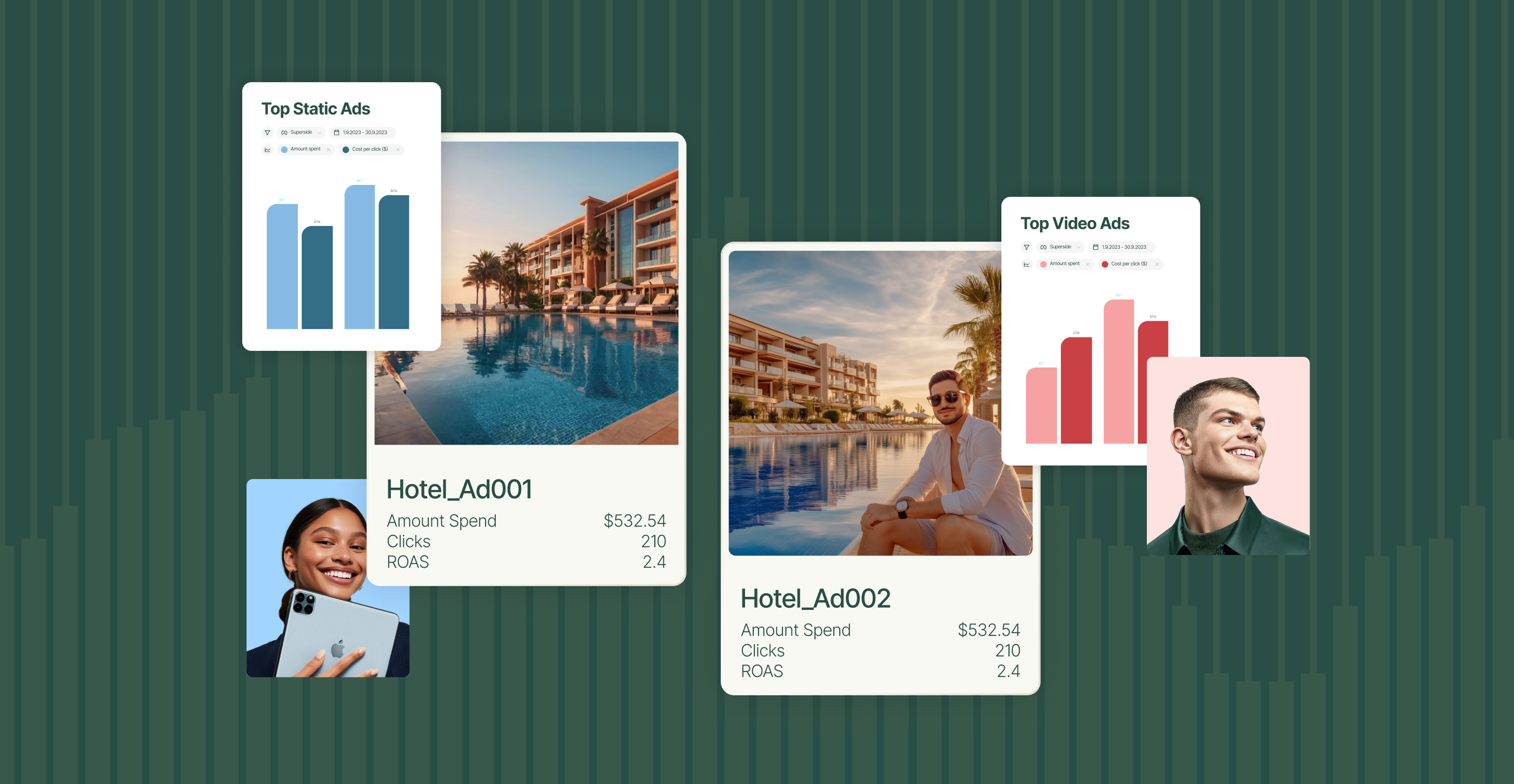
Both Superads and Motion help teams understand what's working in their ad creative, but they're built differently and optimized for different workflows. If you're an agency or multi-brand team, or if you want to get started without a sales call and a $250/month commitment, the difference matters a lot. This article breaks it all down: no fluff, no spin.
If you're evaluating creative analytics tools, you've almost certainly come across both Superads and Motion. They occupy similar categories, since they help performance marketers and creative teams understand which ads are working, why they're working and what to build next.
But the two platforms are built on different philosophies, and the differences show up in ways that matter for day-to-day work, especially at scale.
This article gives you an honest, practical breakdown of both. Where each wins, where each has gaps and which one makes more sense, depending on how your team actually works.
Main differences between Motion and Superads
Before getting into the differences, it's worth being clear about what both Superads and Motion genuinely do well because they're both solid products:
Motion has earned its reputation. Its visual reporting is polished and easy to share with stakeholders who aren't in the weeds of ad data. Their Inspo tool, which lets you follow competitor brands and browse their ad creative, is a genuinely useful feature for creative strategy teams. And for DTC and eCommerce teams that are primarily single-account, single-brand, it works relatively smoothly.
Superads does the same core job, surfacing creative performance insights across Meta, TikTok, Google, and LinkedIn, but with a focus on flexibility, customization, and cross-account reporting. It becomes very strong for teams that need to combine data from multiple ad accounts into one view, and you get unlimited AI-powered assistance that can reason through data rather than surface pre-built summaries.
Both platforms offer AI tagging, both surface performance breakdowns by creative element, and both are meaningfully better than trying to do this work natively in Meta Ads Manager or TikTok Ads Manager.
The question is which one fits your workflow.
| Features | Superads | Motion |
|---|---|---|
| Supported channels | Meta, TikTok, LinkedIn, Google Ads | Meta, TikTok, LinkedIn, YouTube |
| Custom boards / dashboards | Unlimited, fully customizable | No boards. Only reports. |
| Multi-account reporting | Multiple accounts in a single report | One account per report |
| Report sharing | Live, auto-updating, fully explorable | Only snapshots. No interactivity |
| Performance scores | Superads Scores: Hook, Hold, Click, Engagement, Conversion | Creative Scores available |
| AI assistant | Open-ended reasoning; grounded in your data | Limited to specific tasks |
| Attribution integrations | Coming soon: GA4, Triple Whale, Northbeam | GA4 and Northbeam on Pro+ plans |
| Competitor research | Yes | Yes |
| Starting price (paid) | $150/month | $750/month |
| Pricing transparency | No sales call required | Higher tiers require demo |
| Contracts | Cancel anytime | Requires commitment |
| Best for | Enterprises, Agencies, multi-brand teams, marketers who need flexibility | Single-brand accounts |
Where Superads pulls ahead
These are the main features that separate Superads from most creative analytics tools out there, including Motion:
1. Customizable boards

This is the most structural difference between the two platforms, and it affects workflow more than most feature comparisons.
Superads lets you build unlimited, fully customizable boards, grouping any combination of reports across campaigns, formats, channels and accounts into a single organized view.
Motion offers structured report types — top performing, comparative, launch analysis — with clean visual design. But you can't group those report types into a flexible, unified dashboard or create custom views that span multiple report types. And sharing reports with your team or clients is a pain, as you’re strictly limited to sharing snapshots.
If your workflow requires a holistic picture of performance across teams, clients, or campaigns in a single place, this is a real limitation.
As one Motion G2 reviewer noted: "It can sometimes feel limited how customizable or nuanced the insights are, especially for more complex use cases."
2. Superads AI: reasoning, not just summarizing
Superads AI is a conversational assistant built into the platform that lets you query your ad data however you want.
What sets it apart is the depth of reasoning: it doesn't just summarize top-line numbers, it analyzes and presents you with the top learnings to act now. And it's grounded entirely in your actual report data, with no hallucination.
You can ask our AI to:
- Identify which hooks are driving the best ROAS across your campaigns
- Flag ads that are showing early signs of creative fatigue
- Compare performance across time periods
- Surface on which content creator is generating the strongest results and more
The answers are specific and data-backed.
Motion's AI features are structured around pre-built AI tasks and an agent chat that lets you ask follow-up questions after those tasks run. These are useful workflows, but the platform doesn't offer the same open-ended, reasoning-first conversational analysis.
3.Workflows: automated AI reports
Superads Workflows let you schedule AI-powered reports to run automatically and deliver to Slack or email. Instead of logging in to pull insights, your team gets them on a cadence you set.
You can automate things like weekly creative performance summaries, fatigue alerts when ads start declining, or cross-account reports for specific stakeholders. Motion doesn't have an equivalent.
For teams that need creative intelligence delivered rather than retrieved, this is a meaningful difference.
4. Multi-account reporting in a single view
For agencies and multi-brand advertisers, this is a dealbreaker feature, and it's one Superads has that Motion doesn't.
Superads lets you combine multiple ad accounts into a single report or board. You can compare performance across brands, clients or regions side by side without switching between accounts or manually stitching data together in a spreadsheet.
Motion scopes each report to a single ad account. One G2 reviewer called this out directly: "It is also frustrating that you can only use one account per platform, as on Meta, I would like to be able to use two accounts at once."
If you manage more than one brand or client, this isn't a minor inconvenience.
5. Fully interactive shared reports
When you share a board or report from Superads, the person receiving it gets a live, fully interactive experience. They can adjust date ranges, apply filters, and explore the data themselves. The link is always live and auto-updating.
Motion offers Snapshots for sharing — frozen or live views — and guest accounts for client access. These work for structured, periodic reporting, but viewers get less interactivity compared to Superads' approach. If your workflow involves regular client reporting or cross-team alignment where stakeholders need to explore data on their own, this difference adds up over time.
6. Google Ads support
Superads supports Google Ads, including Performance Max campaigns, which means you can bring cross-channel reporting — social and search — into a single dashboard.
Motion supports YouTube but doesn't offer broader Google Ads reporting.
Where Motion has the edge
A fair comparison has to be honest about where Motion is currently stronger:
Attribution integrations
Motion offers GA4 and Northbeam integrations, which means you can pull attribution data alongside creative analytics. Superads doesn't currently support third-party attribution integrations, but it’s coming soon.
Pricing: the gap is significant
Pricing is one of the sharpest practical differences, and it's not just about the entry point.
Pro plan (starts at $149/month for up to 100k spend)
- Unlimited reports and boards
- AI tagging
- Multi-account and multi-channel reporting
- Superads Scores
- Custom attribution window
- CSV export
- Priority support
- + much more
Motion pricing:
- Starter at $750/month — full analytics and AI features, ad spend capped at $50k/month
- Pro, Growth, and Agency — custom pricing, requires a demo and sales conversation. Not publicly listed.
At the entry level, Superads starts at $150/month versus Motion's $750/month. A striking 5x difference!
At higher ad spend tiers, Superads remains around 60% more affordable than equivalent Motion plans based on publicly available pricing.
Beyond the numbers: Superads pricing is transparent and doesn't require signing a long-term contract.
Motion's higher tiers require a demo process and aren't publicly listed. If you're the kind of team that wants to evaluate a tool, sign up, and decide — that matters.
Who should choose what tool?
Choose Superads if you:
- Manage multiple ad accounts and need unified cross-account reporting in one view
- Want fully customizable boards that combine reports across campaigns, formats, and channels
- Need a conversational AI assistant that can reason through your data, not just summarize it
- Want automated AI reports delivered to Slack or email on a schedule
- Share reports with clients or stakeholders who need to explore data interactively
- Run Google Ads alongside your social campaigns
- Are an agency managing multiple brands or clients
Choose Motion if you:
- Need GA4 or Northbeam attribution integrations alongside creative analytics
- Work primarily with a single ad account and a single brand
- Prioritize a legacy workflow you're already comfortable with
Full creative insights in just one place
Motion and Superads both do the core job of creative analytics well. The decision usually comes down to three things: how many accounts you're managing, how much flexibility you need in your reporting, and what you're willing to spend before you've proven the value internally.
For single-brand DTC teams on a legacy platform that don't mind the price, Motion is a solid tool. For agencies, bigger teams, or anyone who wants the latest in AI creative analytics, Superads is worth trying.
The best way to find out is to start a Superads Pro trial and connect your ad accounts. Already using Motion? Request a free migration and Superads will help you get set up.
Already using Motion? Request a free migration and Superads will help you get set up.
FAQs

Improve your ad campaigns
With the only AI-powered creative insights tool
built for modern marketers.
Improve your ad campaigns
With the only AI-powered creative insights tool
built for modern marketers.